Top 5 Graphic Design Software for Aspiring Creatives
For aspiring creatives, choosing the right tools can make all the difference in bringing your design visions to life. Here are the top 5 graphic design software options that can help you on your creative journey:
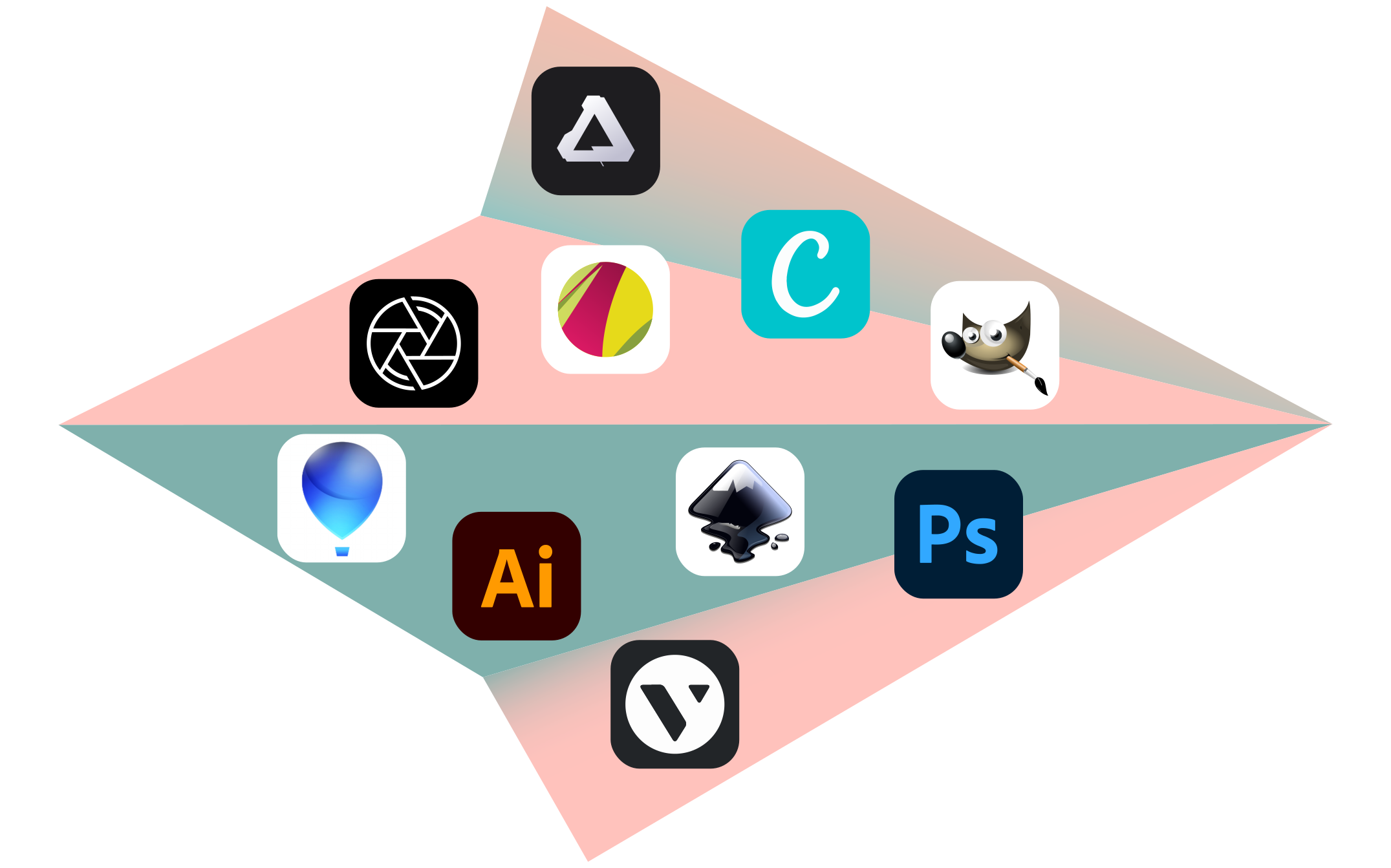
- Adobe Photoshop - Known as the industry standard for image editing, Photoshop offers a robust set of tools that empower users to create stunning visuals. You can explore more about its features on Adobe's official website.
- Canva - Perfect for beginners, Canva provides a user-friendly interface and a plethora of templates. This software is great for creating social media graphics, presentations, and more. Check out their offers at Canva.
- CorelDRAW - A vector graphic design software that is favored by many professionals for its versatility and precision. Discover more at Corel's site.
- Affinity Designer - This software is a cost-effective alternative to Adobe products and is excellent for both vector and raster graphics. Learn about its capabilities at Affinity's website.
- Inkscape - A free, open-source vector graphics editor that is powerful and flexible. Perfect for those just starting, you can find more information at Inkscape's page.
How to Choose the Right Graphic Design Software for Your Needs
Choosing the right graphic design software is essential for achieving your creative goals, whether you're a seasoned professional or just starting out. First, consider your specific needs: Are you focusing on digital illustrations, photography, or web design? Each type of project may require different features and tools. For instance, if you’re looking to create complex vector art, software like Adobe Illustrator might be the best choice. On the other hand, if photography is your main focus, Adobe Photoshop provides powerful editing capabilities. Make a list of your requirements and compare software options accordingly.
In addition to functionality, consider the software's ease of use and community support. It's crucial to select a program that matches your skill level. For beginners, Canva offers an intuitive interface, while more advanced users might prefer CorelDRAW. Always check for available tutorials and user forums, as these resources can greatly enhance your understanding. Additionally, look into subscription versus one-time purchase models and pick one that aligns with your budget and usage frequency.
What Features to Look for in Graphic Design Software: A Comprehensive Guide
When searching for the best graphic design software, it's essential to consider several key features that can significantly enhance your creative process. First and foremost, look for software that supports a variety of file formats; this flexibility ensures compatibility with existing projects and assets. Additionally, an intuitive user interface is crucial, as it can save you time and reduce the learning curve. Features like drag-and-drop functionality and customizable workspace layouts can make navigation much easier. Moreover, robust layers and grouping options allow for a more organized design process, which is particularly beneficial for complex projects.
Another important aspect to consider is the availability of editing tools. Look for software that offers a comprehensive suite of editing capabilities, including vector editing, filters, and effects, which can enhance creativity and streamline project execution. Additionally, integration with other tools and platforms, such as Adobe Creative Cloud, can be a game-changer. Finally, consider collaboration features if you plan to work as part of a team; real-time collaboration options and cloud storage integration can significantly improve the workflow. By prioritizing these features, you can ensure that you choose the right software for your graphic design needs.